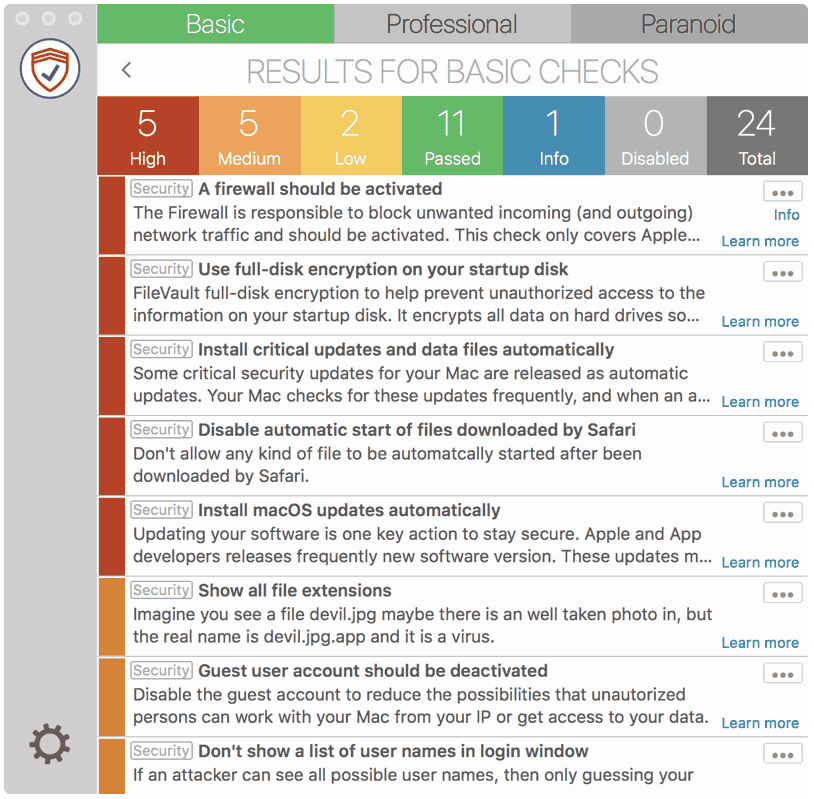
Safari declares some kind of files by default as safe and opens them after a download has finished. These file types are pictures, movies, audio, PDF, archives, … Some of them are known in the past to bring in malicious code. Maybe you have accidentally clicked on a link which downloads a file, there is nearly no chance to stop opening the file. So turn off these feature and decide on your own, to open these files or not.
How to fix it
macOS 10.11 – 14
- In Safari go to “Preferences” > “General”
- Deselect “open ‘safe’ files after downloading”