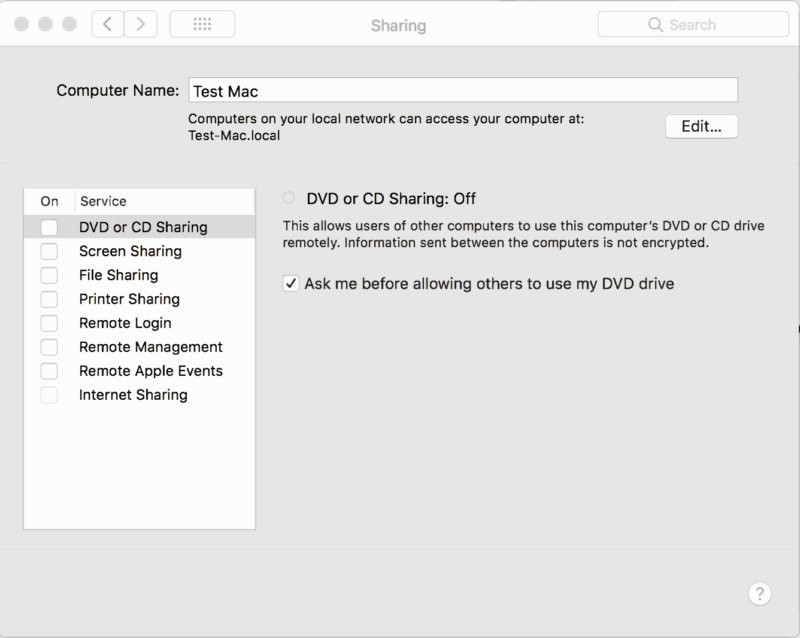
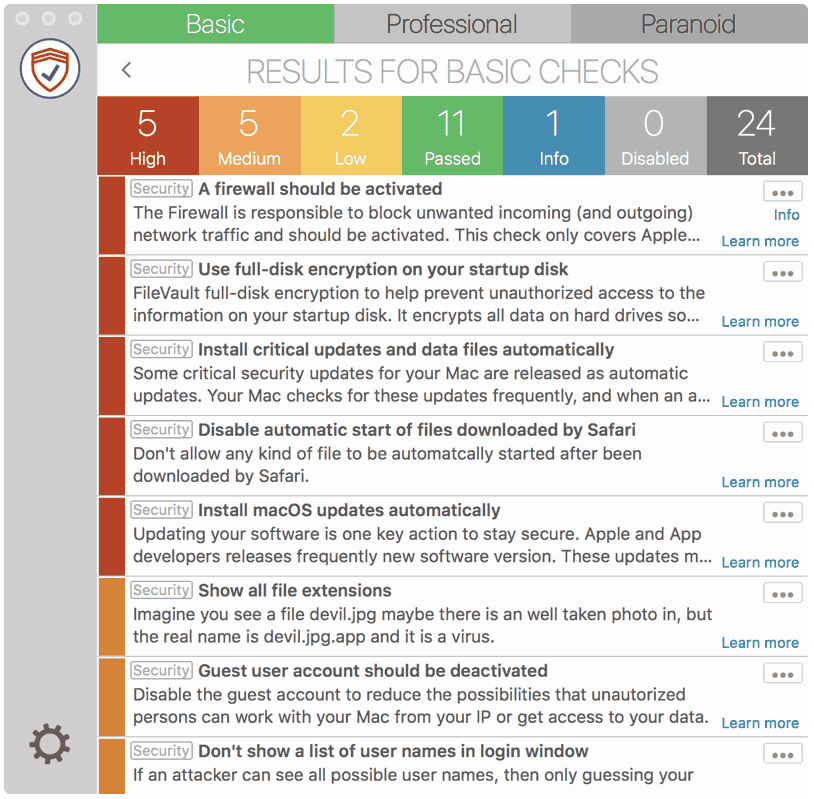
You can share your printer with another Mac or with a UNIX computer. Every not needed service other computers can connect to your Mac should be disabled.
How to fix it
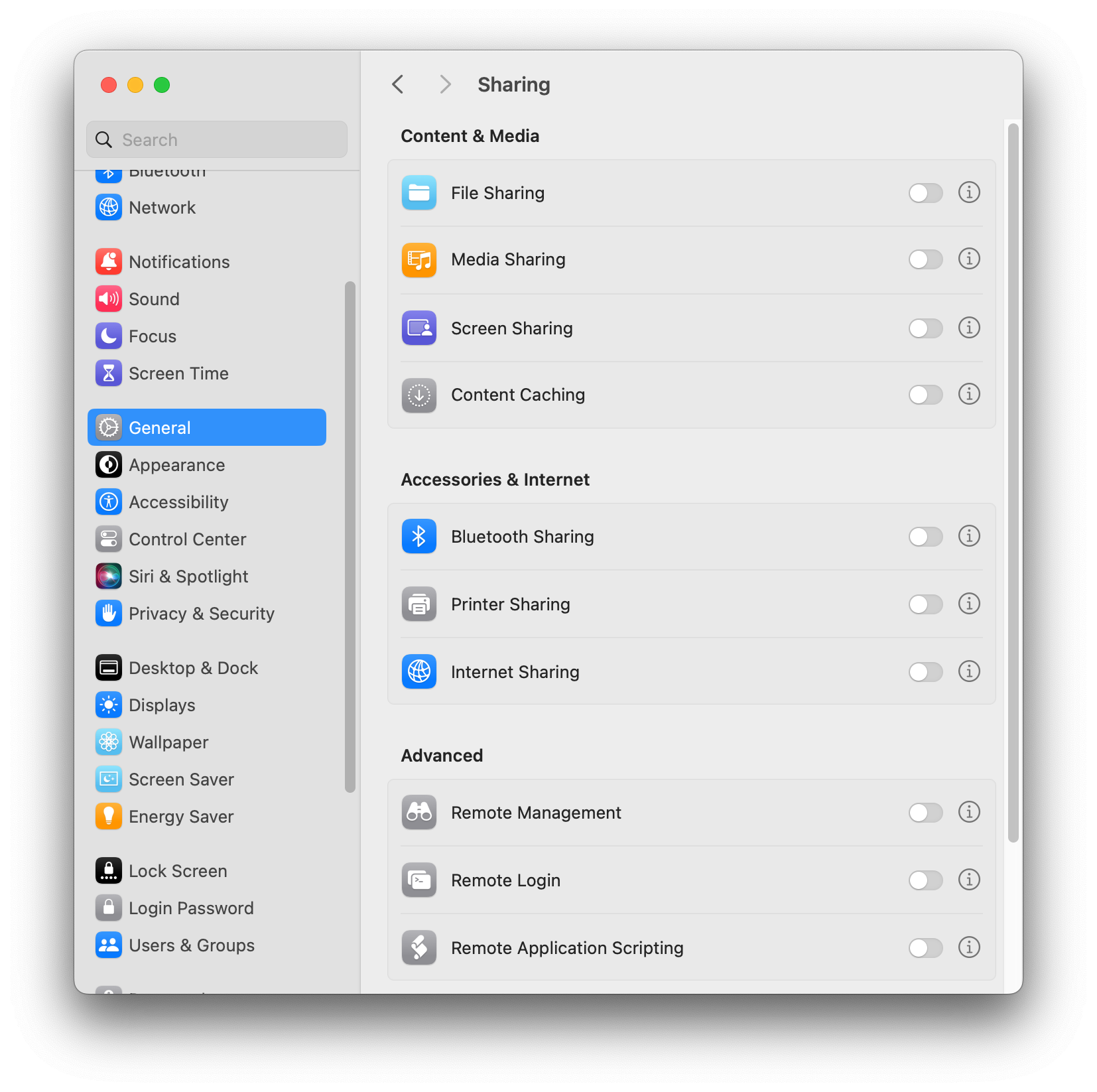
macOS 13 - 14
- Open “System Preferences”
- Go to “General” > “Sharing”
- Disable “Printer Sharing”
macOS 10.11 – 12
- Go to “System Preferences” > “Sharing”
- Disable “Printer Sharing”