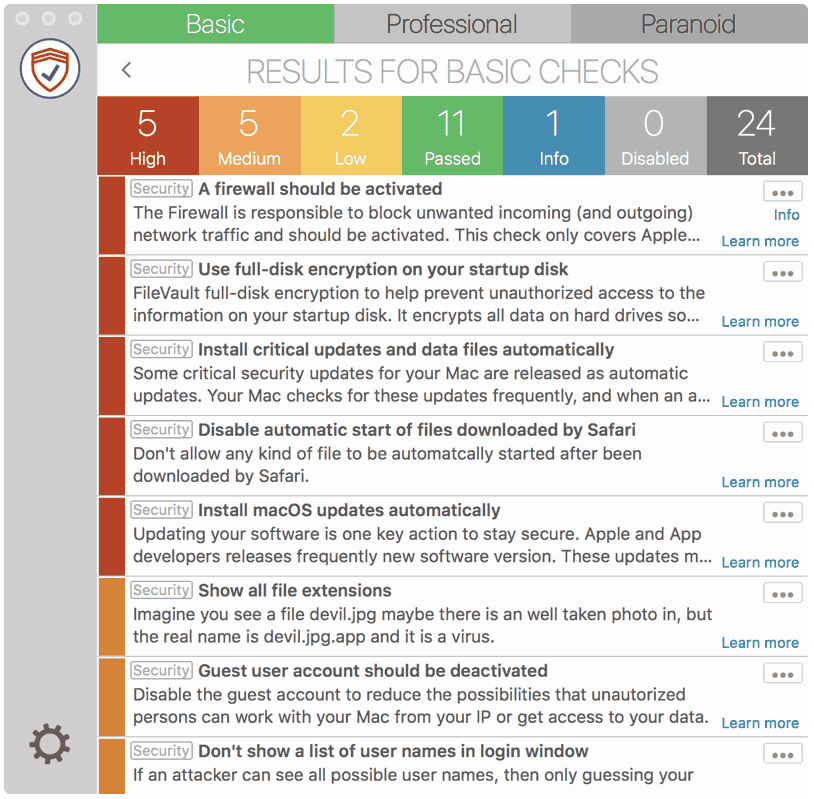
Remote Management is a service to support/control your Mac remotely from other computers. This makes sense when you get support or this is activated within a company, otherwise you should immediately deactivate it, when this is not the case.
How to fix it
macOS 13 - 14
- Open “System Preferences”
- Go to “General” > “Sharing”
- Disable “Remote Management”

macOS 10.11 – 12
- Go to “System Preferences” > “Sharing”
- Disable “Remote Management”