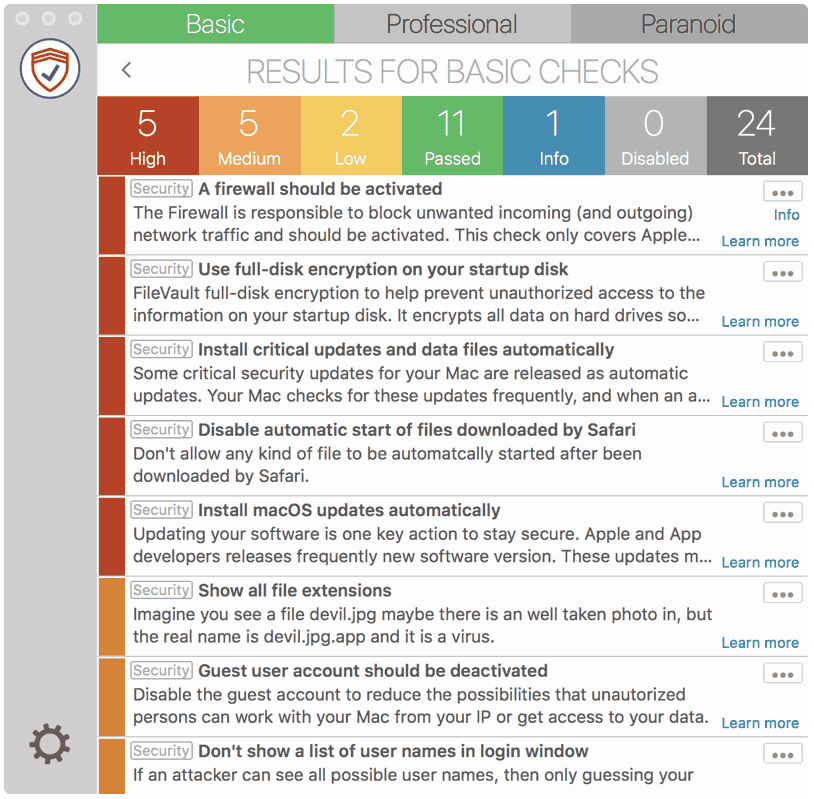
Nowadays there should be no need to share an internet connection. This normally unnecessarily opens network ports and services which gives an attacker more chances to attack you.
How to fix it
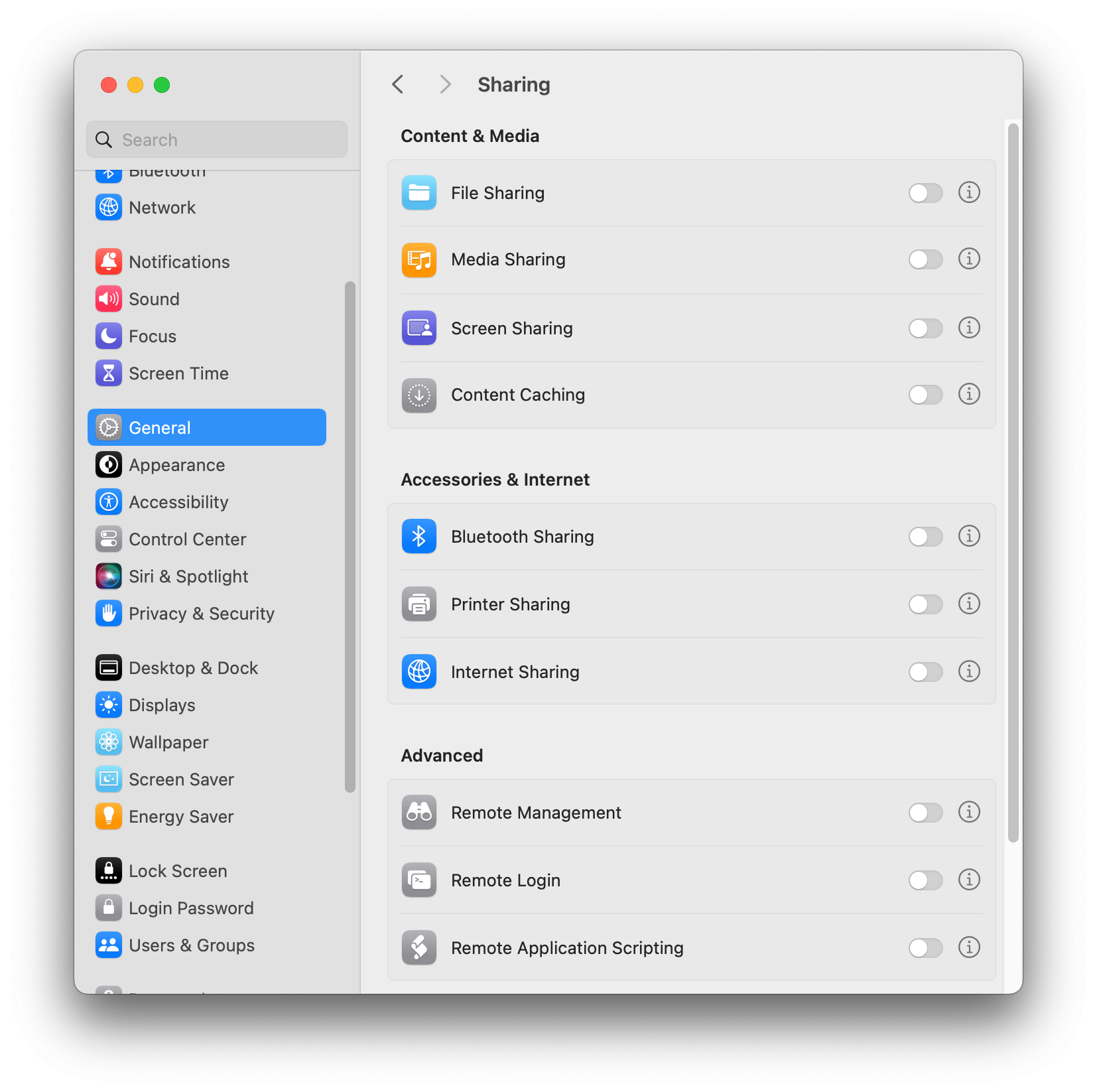
macOS 13 - 14
- Open “System Preferences”
- Go to “General” > “Sharing”
- Disable “Internet Sharing”
macOS 10.11 – 12
- Go to “System Preferences” > “Sharing”
- Disable “Internet Sharing”