SimpleumSafePress & Media
Product information, app icon and screenshots for your coverage of SimpleumSafe.

SimpleumSafe at a glance
SimpleumSafe is an encrypted document archive for Mac, iPhone and iPad. Confidential documents, scans and photos can be stored and organized in safes and optionally synchronized in encrypted form between Apple devices.
Download product factsheet · TXT- Platforms
- Mac, iPhone and iPad
- Developer
- Simpleum Media GmbH
- Company
- Hamburg · founded in 2016
- Contact
- press@simpleum.com
App icon
The original for your publication.
SimpleumSafe
Download app iconScreenshots for macOS
Original screenshots of the Mac app. Open a preview or download the image directly.
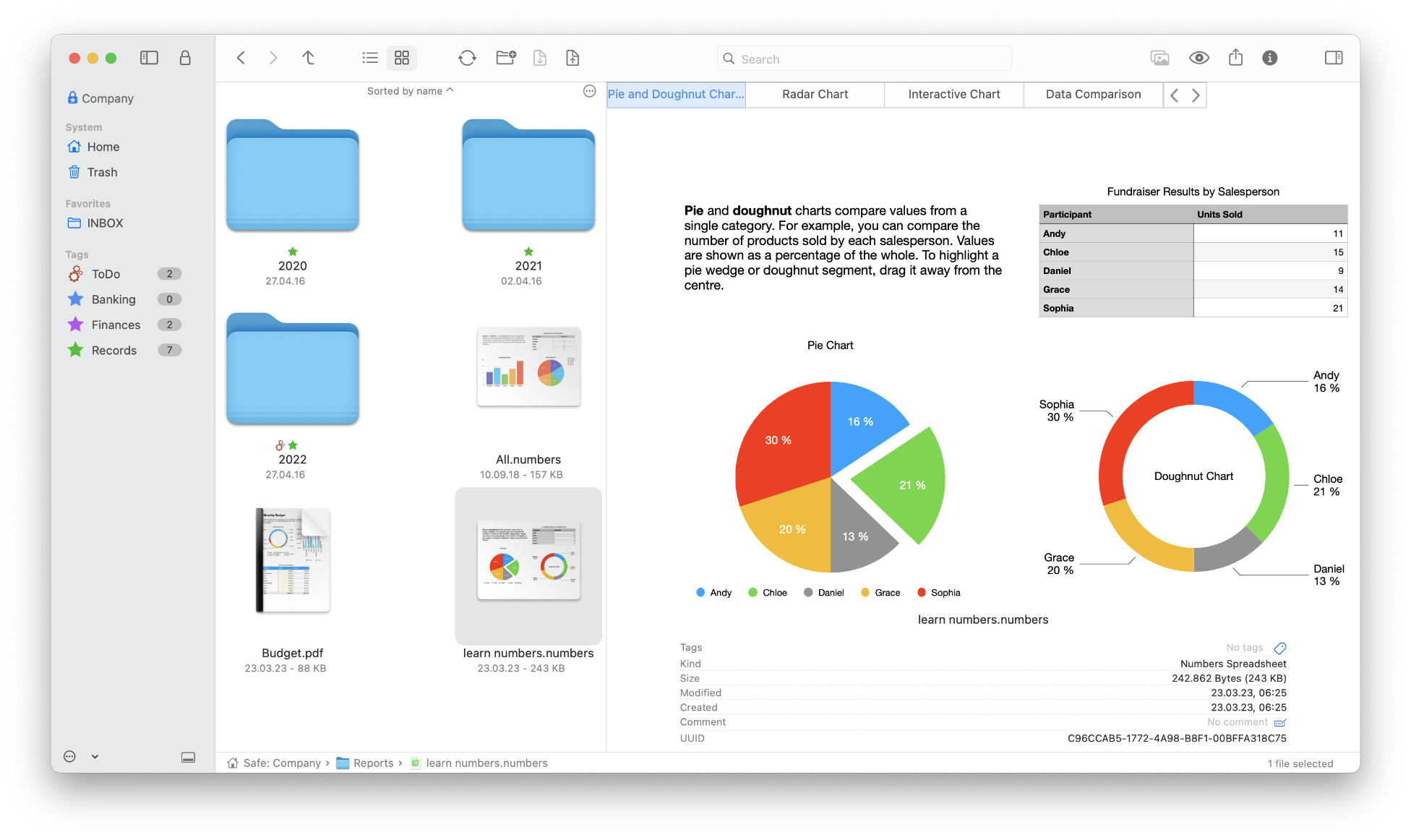
Files in a safe
Download original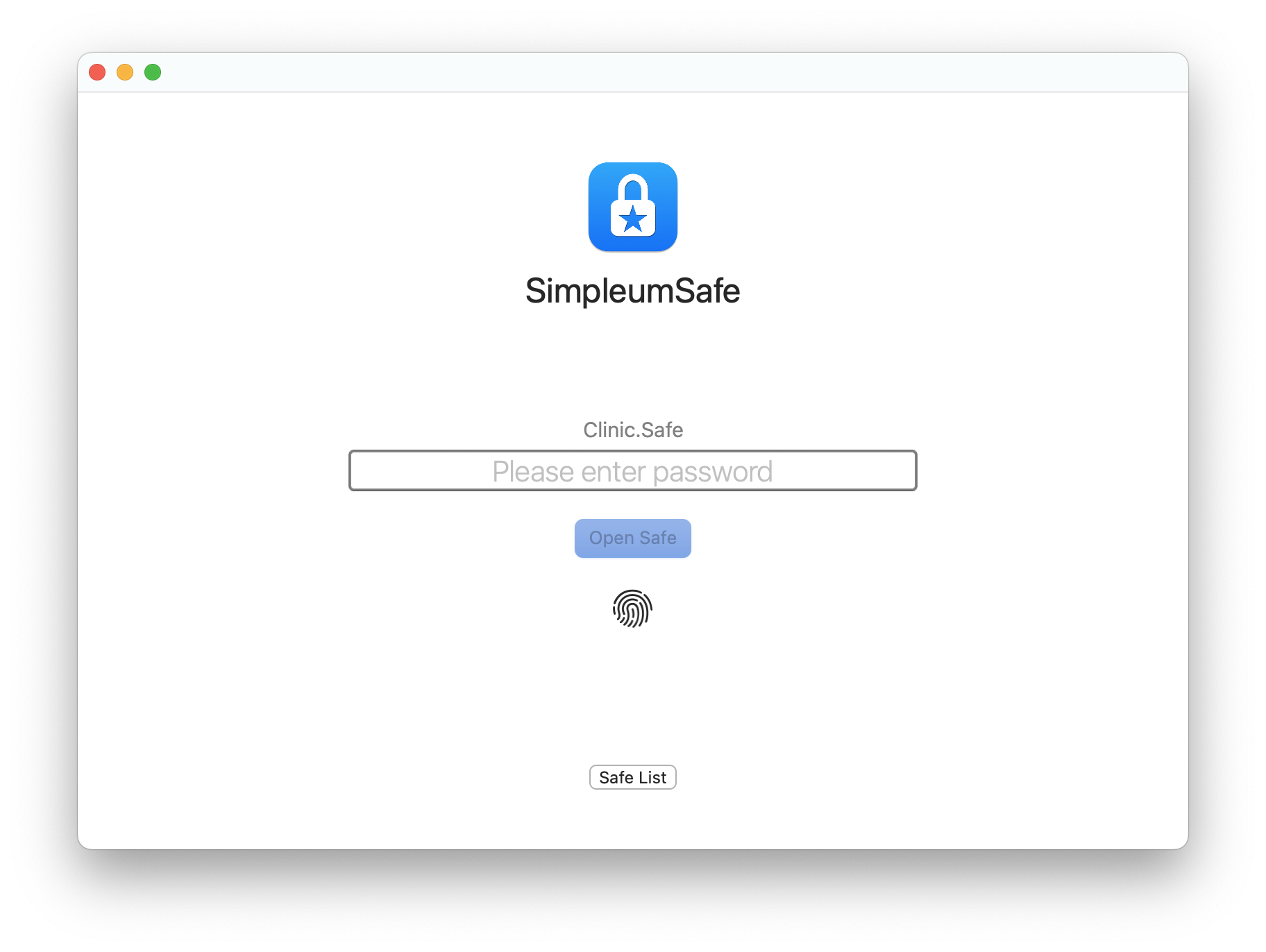
Open a safe with Touch ID
Download original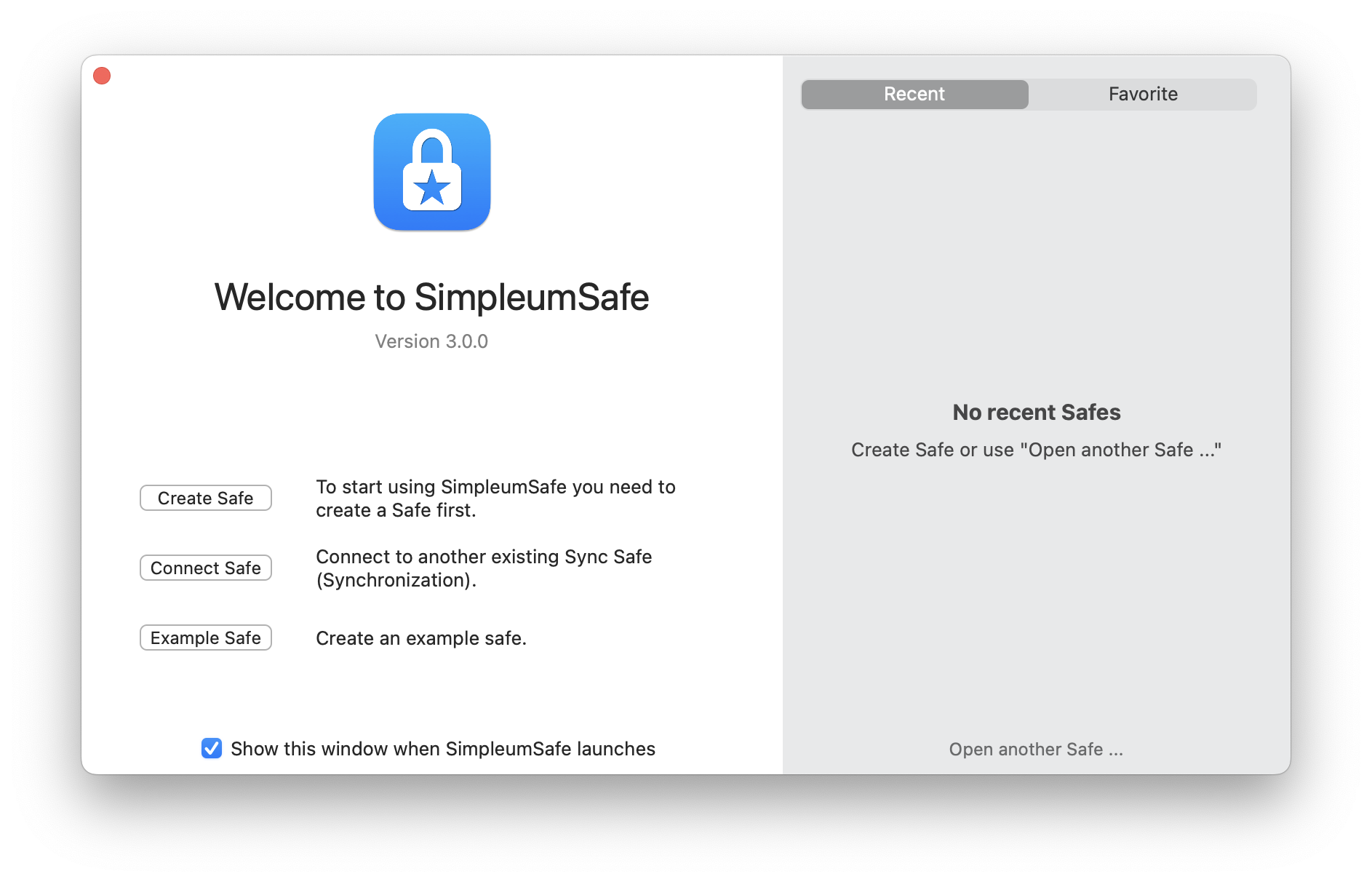
Welcome to SimpleumSafe
Download original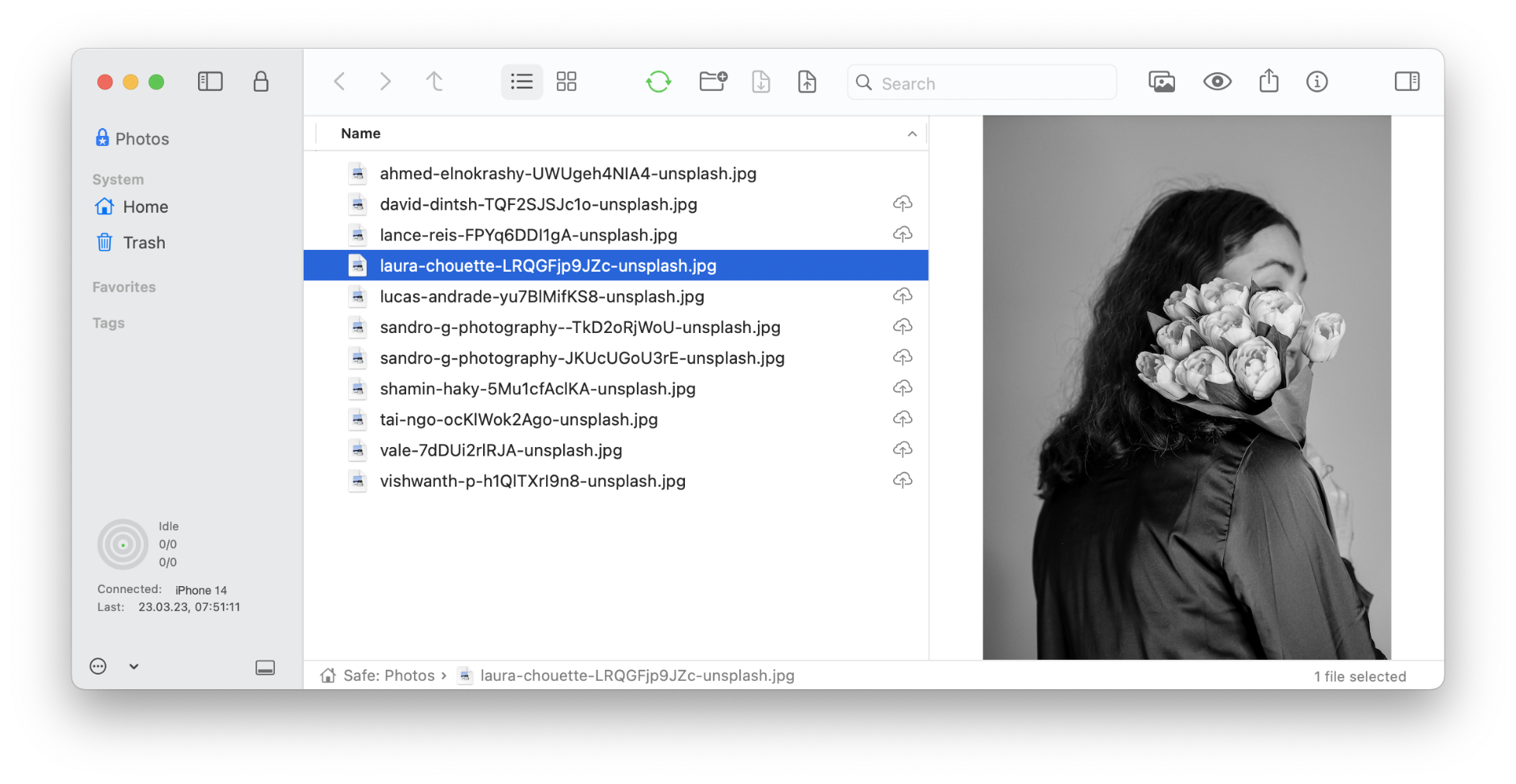
Synchronization status
Download original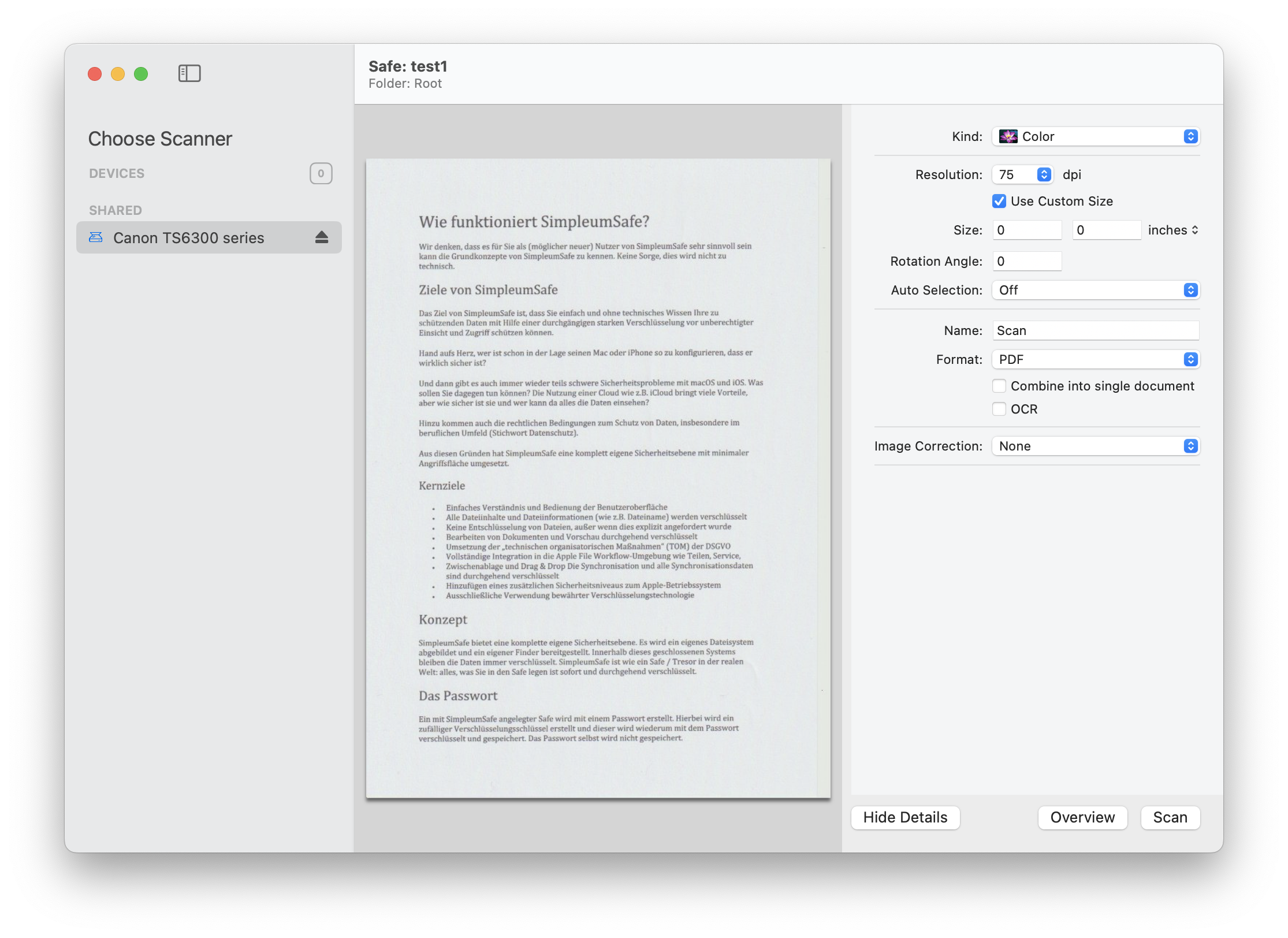
Scan documents on Mac
Download original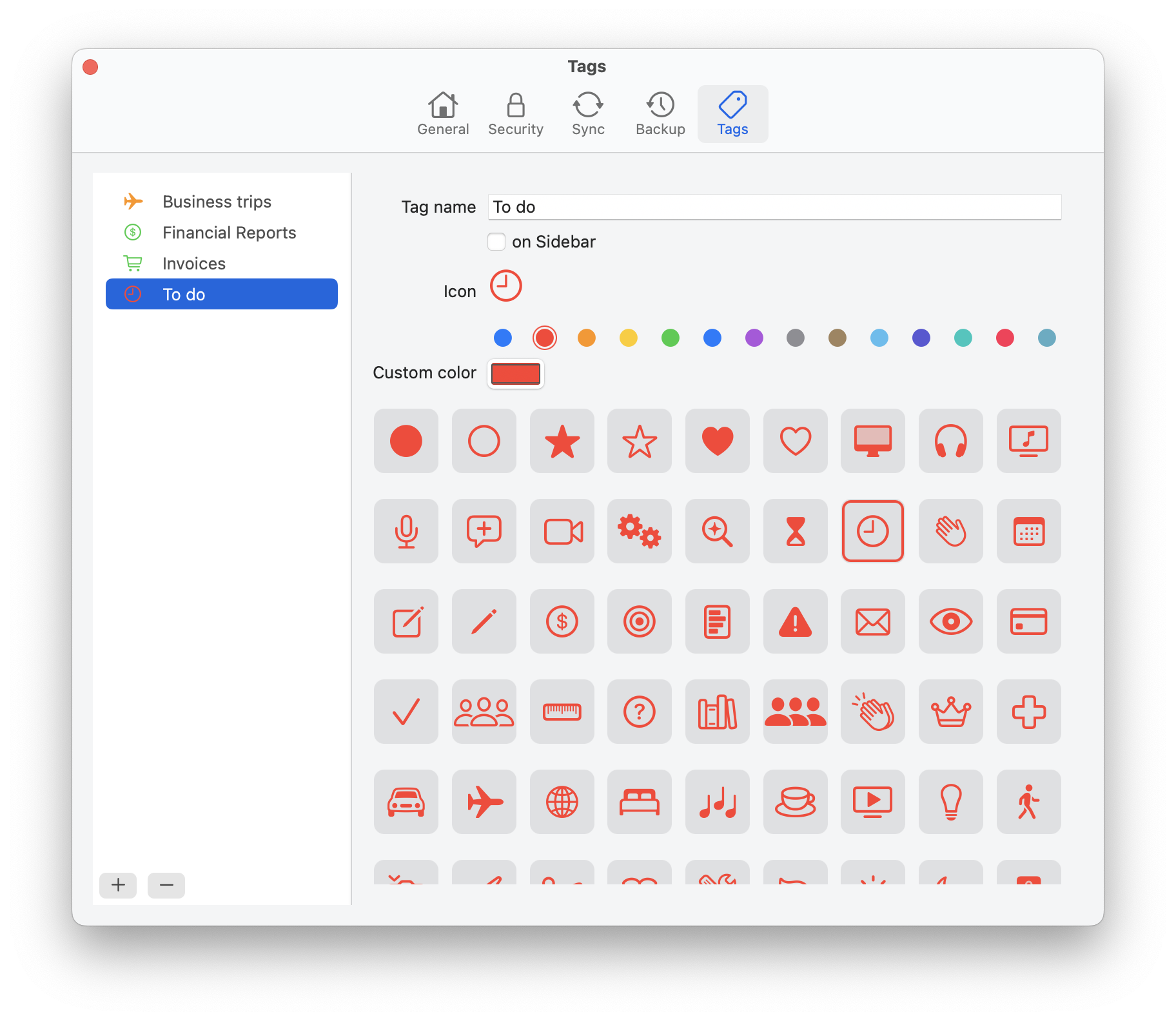
Manage tags
Download original
Photos in the image viewer
Download original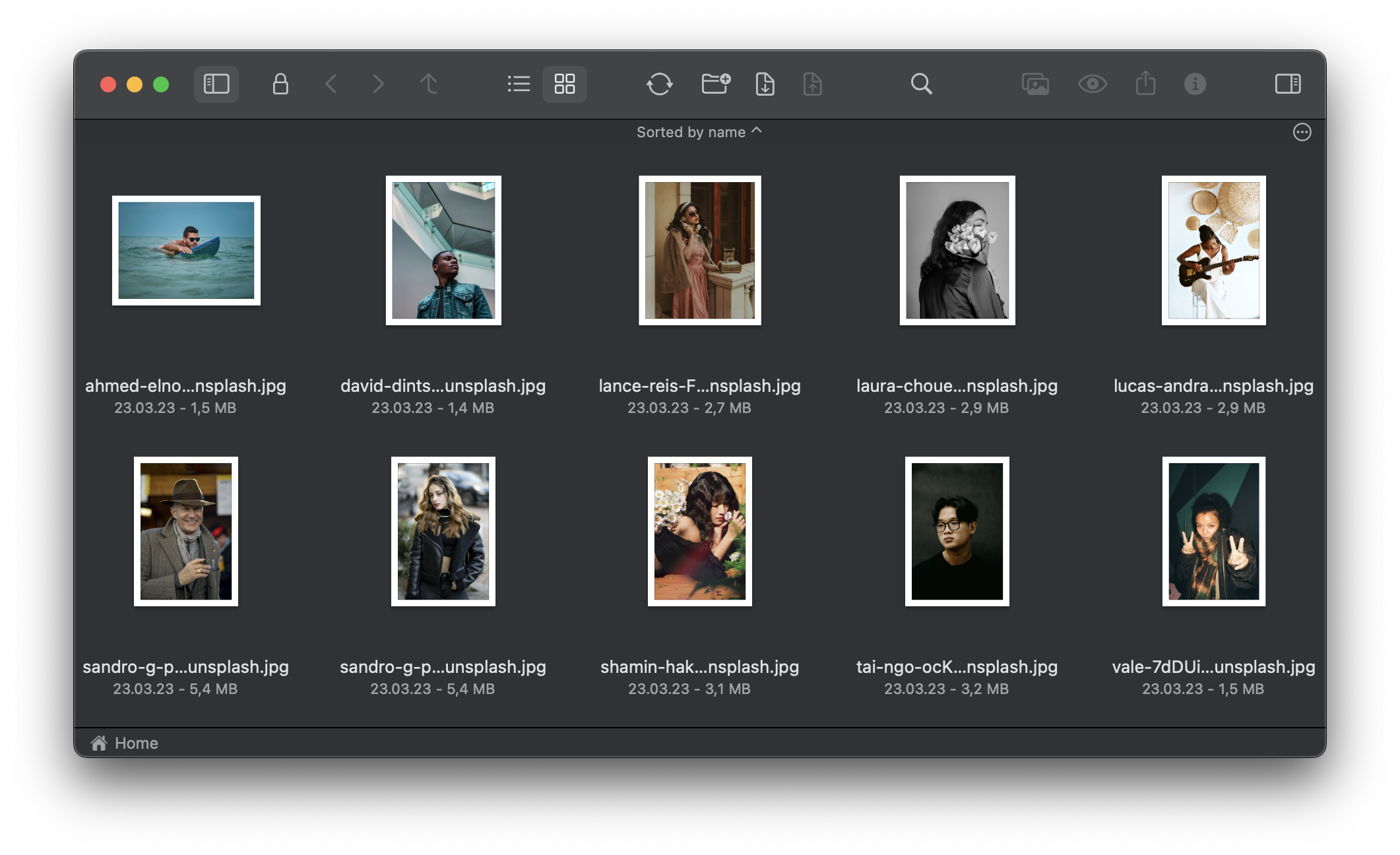
Photos in icon view
Download original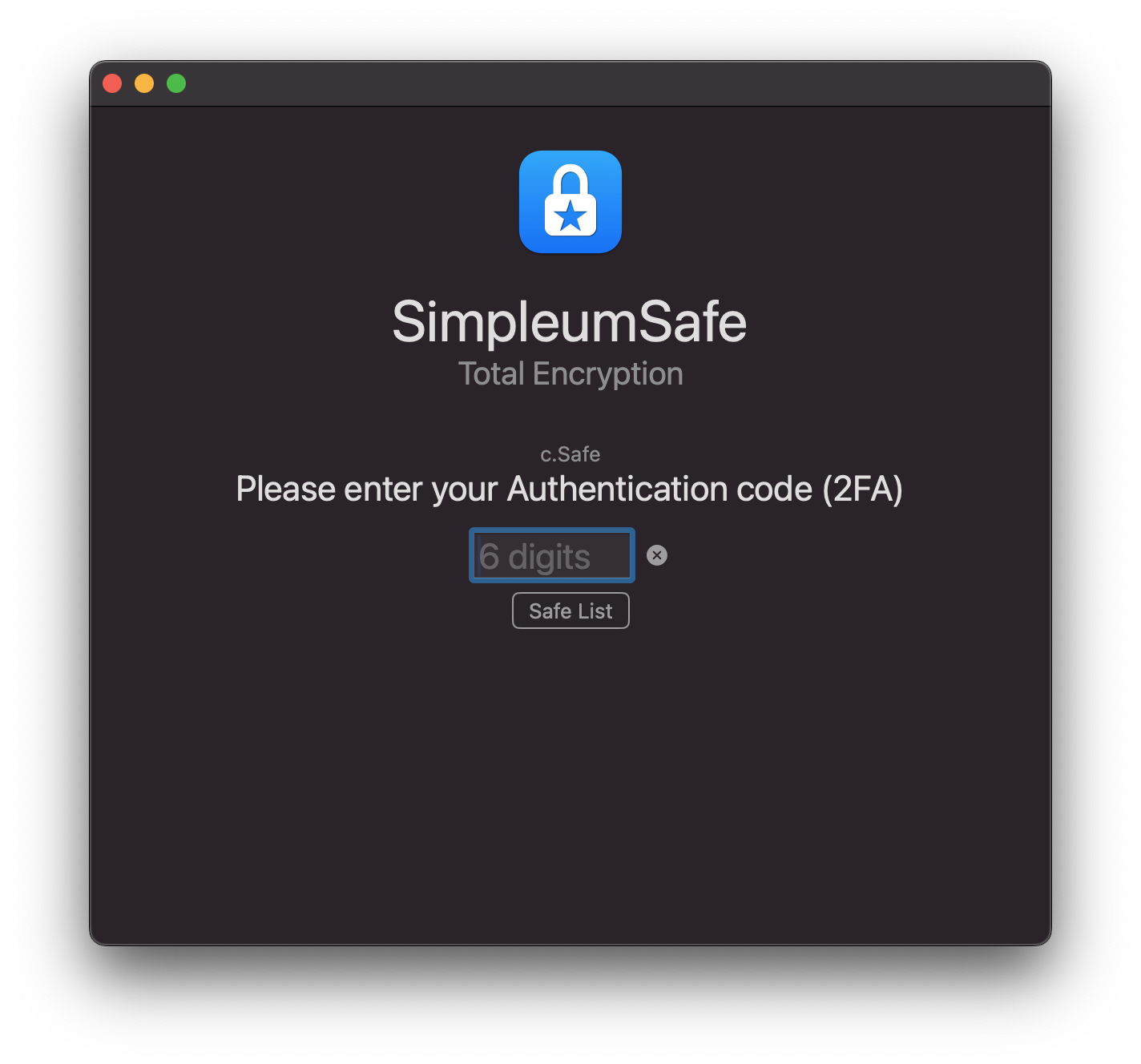
Open a safe with two-factor authentication
Download original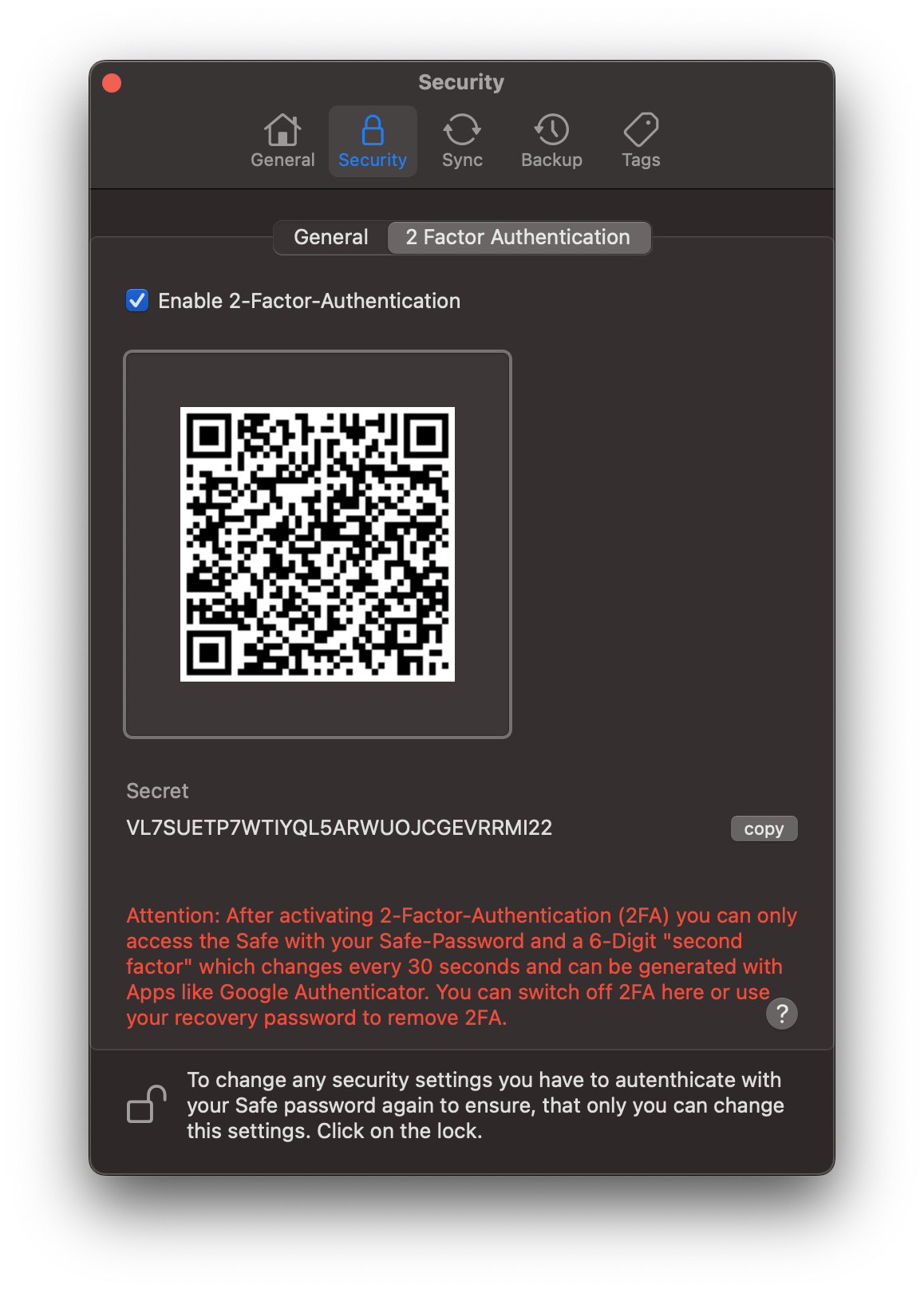
Two-factor authentication settings
Download originalScreenshots for iPhone and iPad
Screenshots of the iPhone app. The image language is listed with each download.
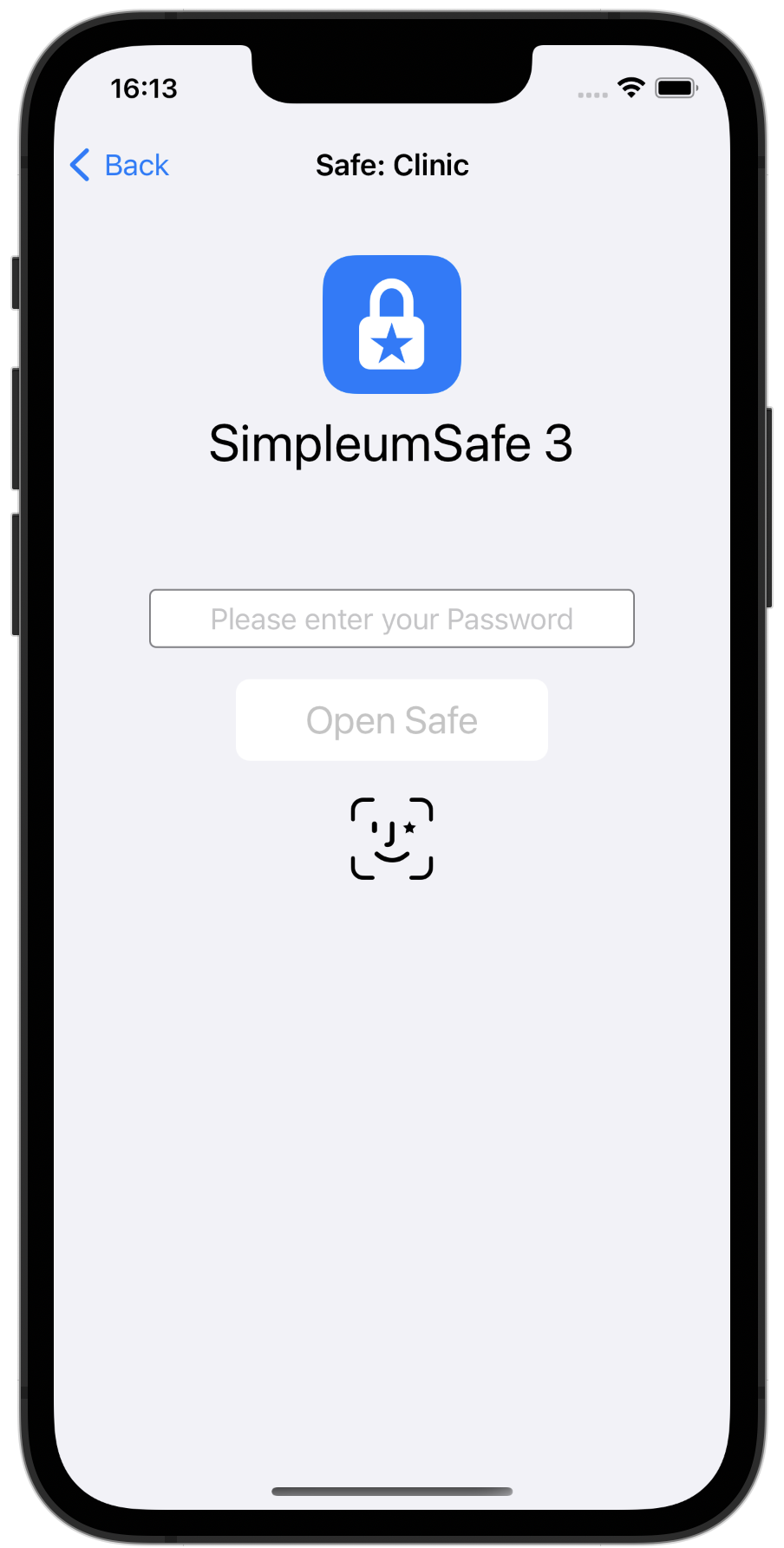
Open a safe with Face ID
Download original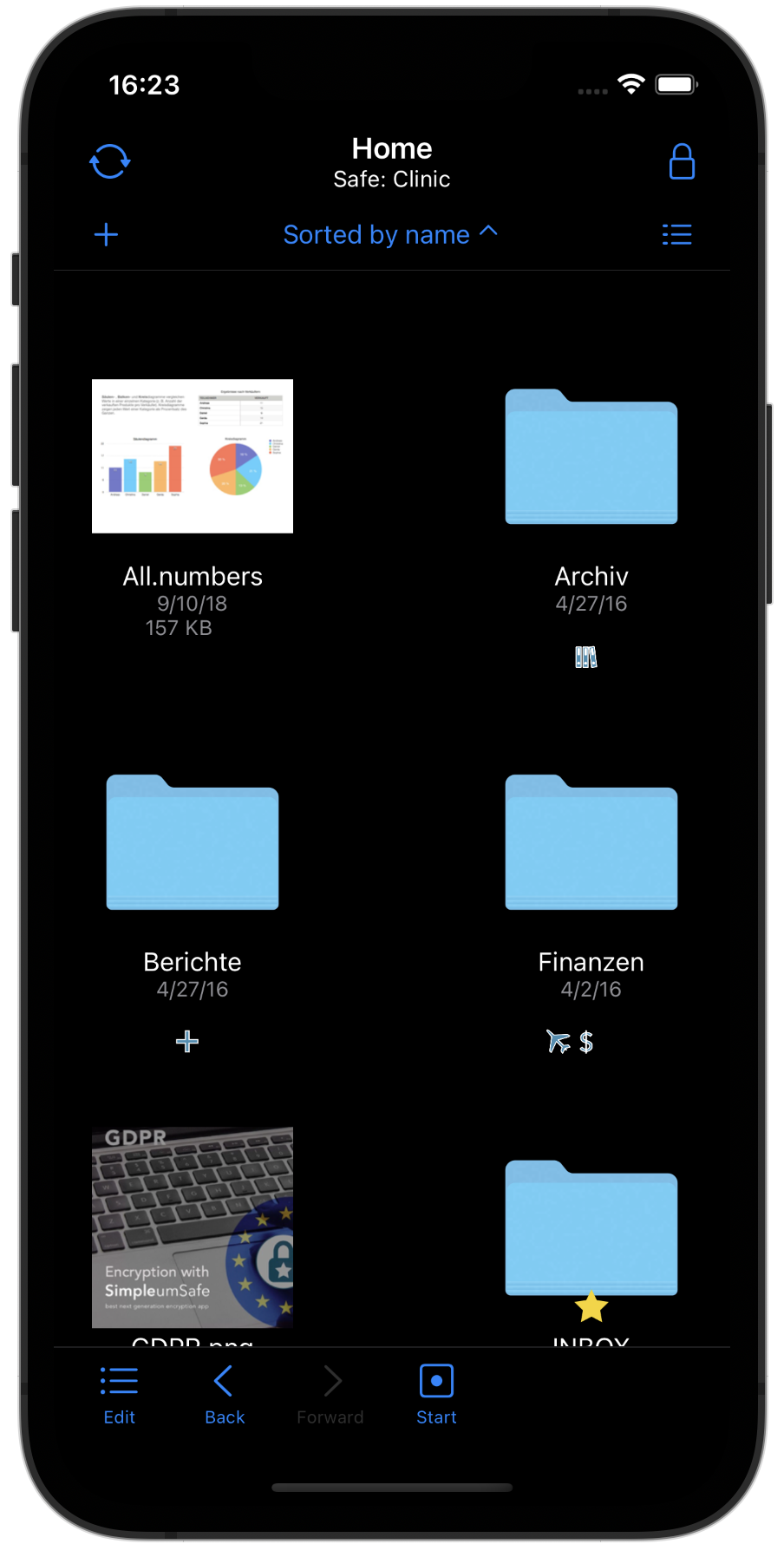
Files in icon view
Download original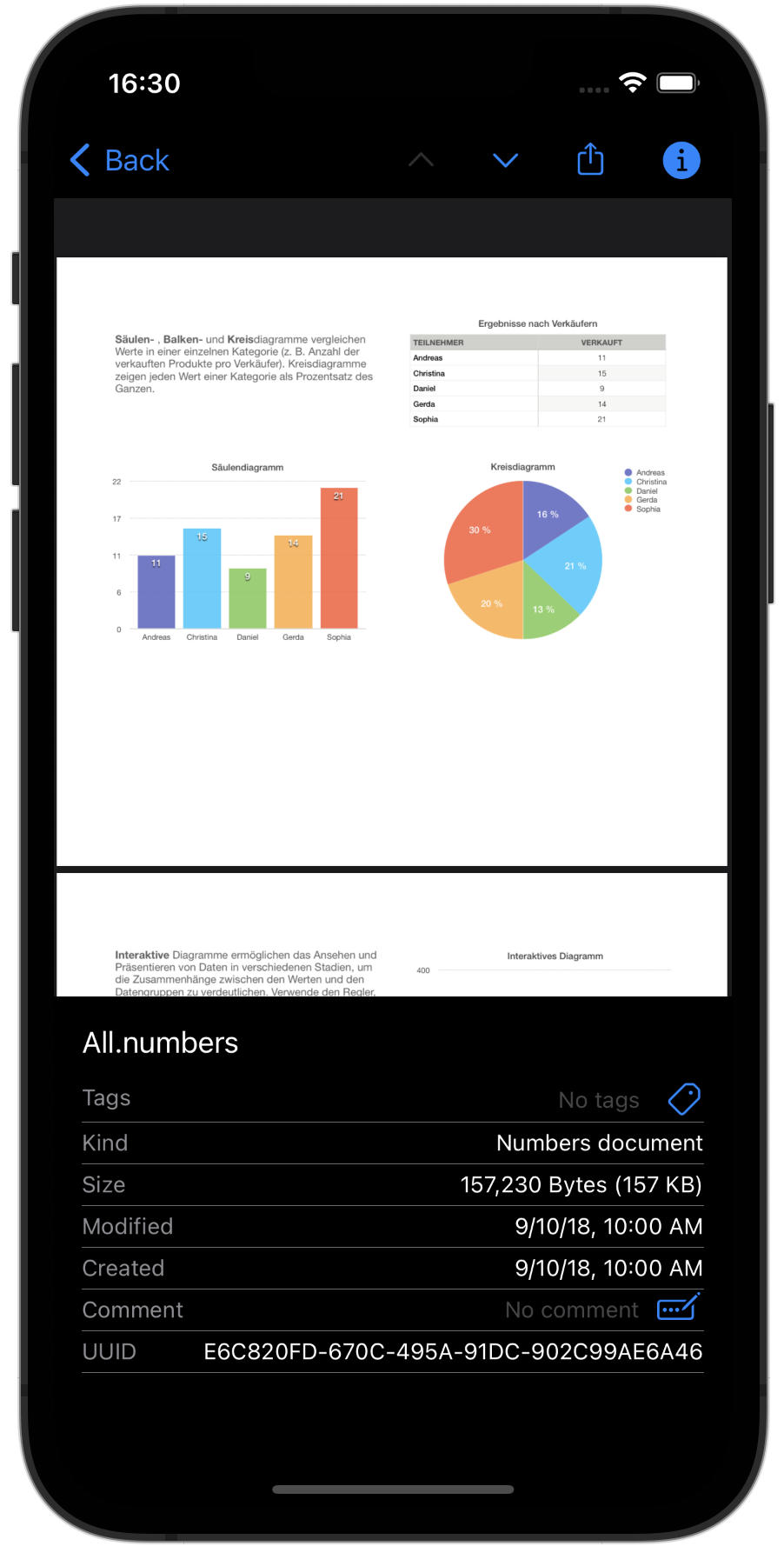
View file details
Download original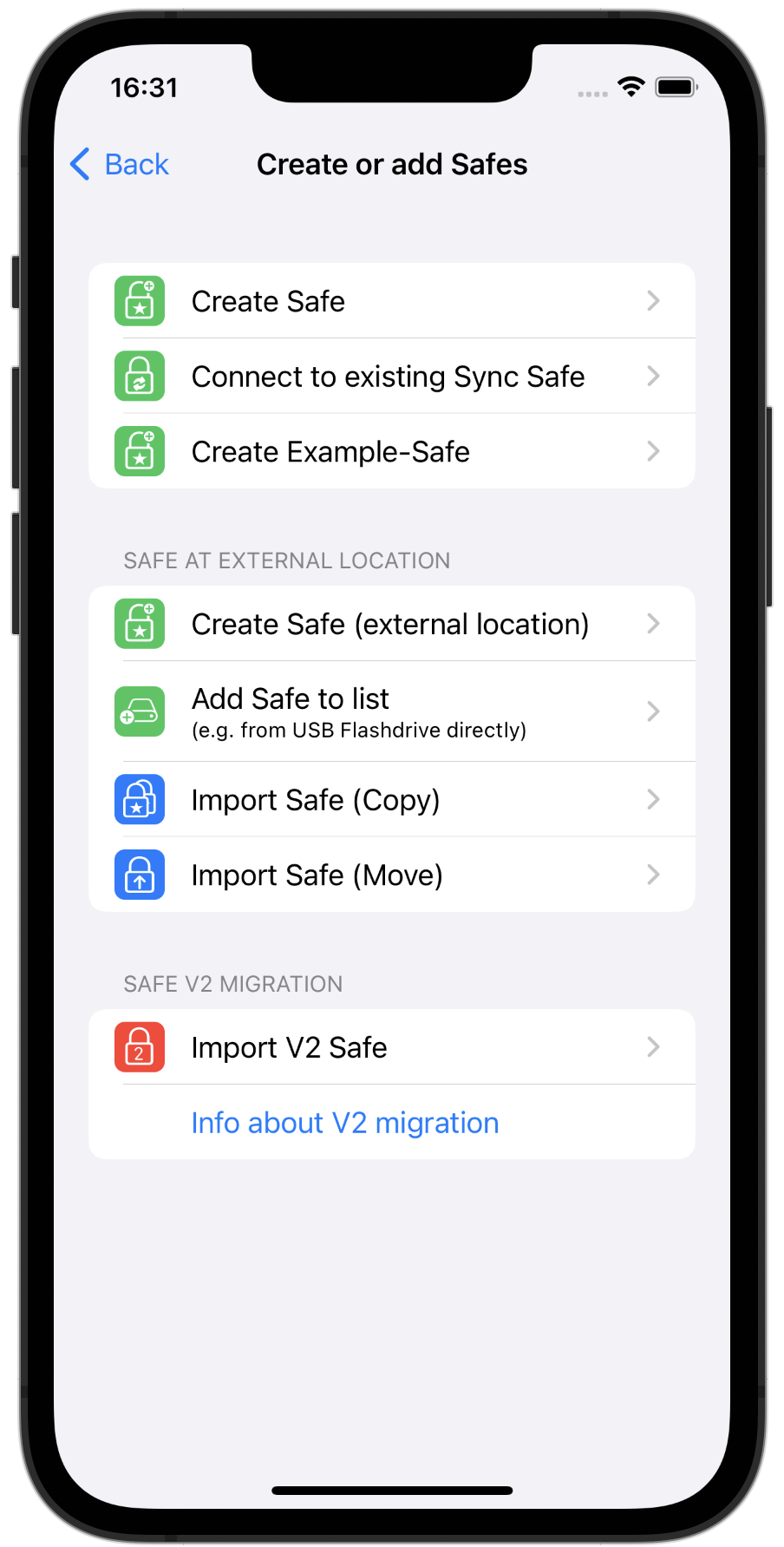
Create or import a safe
Download original
Tags overview
Download original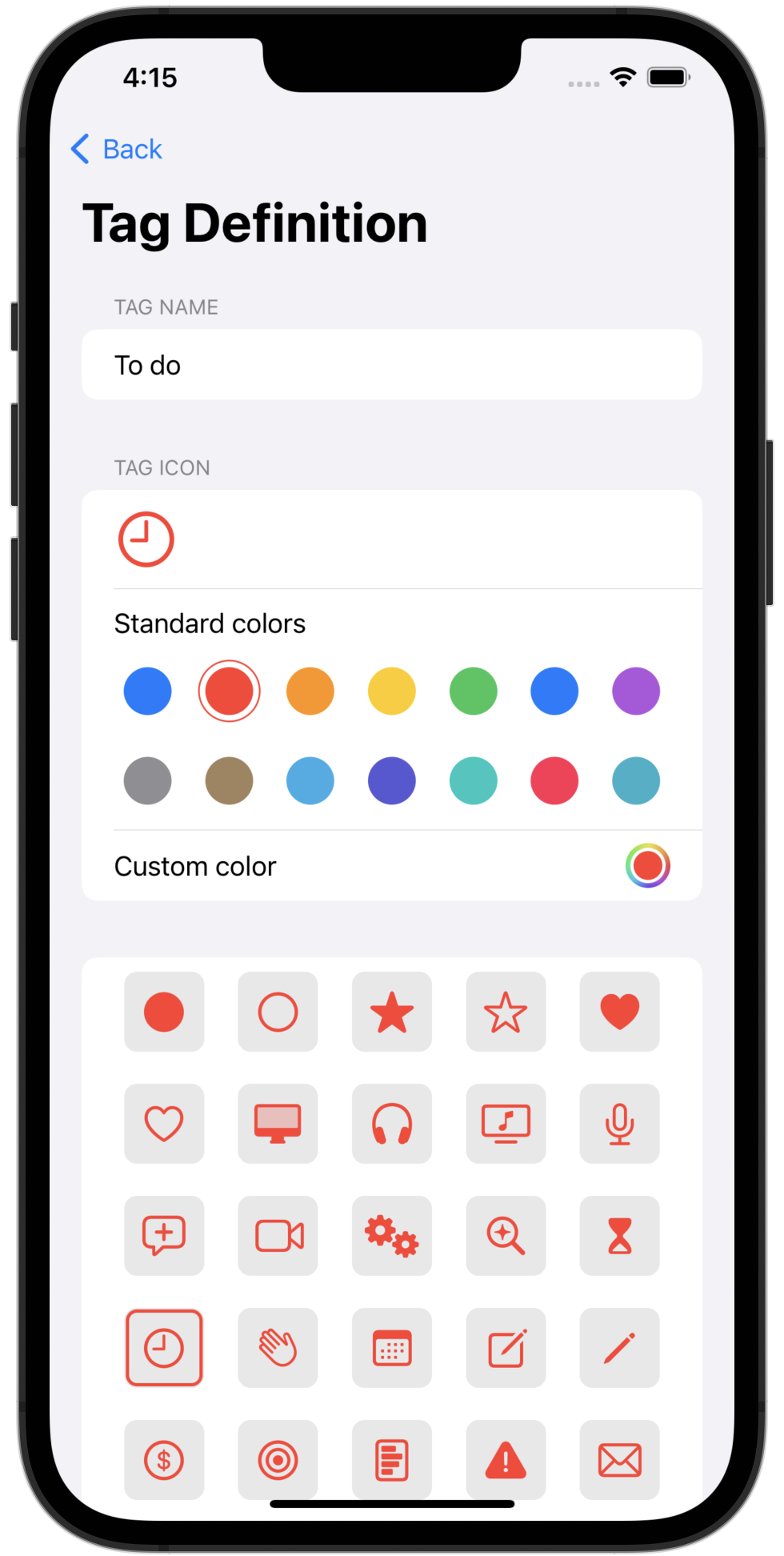
Edit tags
Download original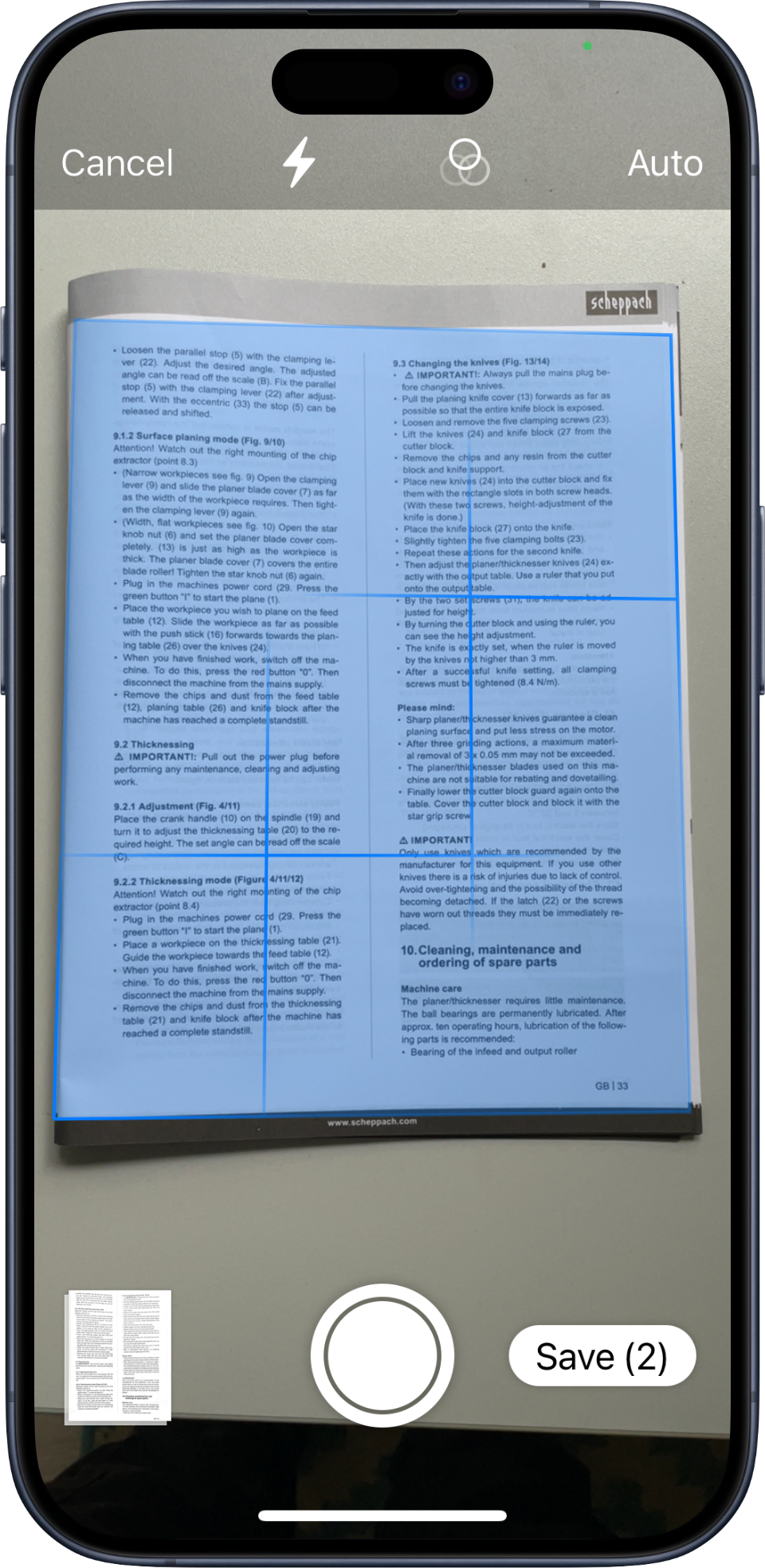
Scan documents directly
Download original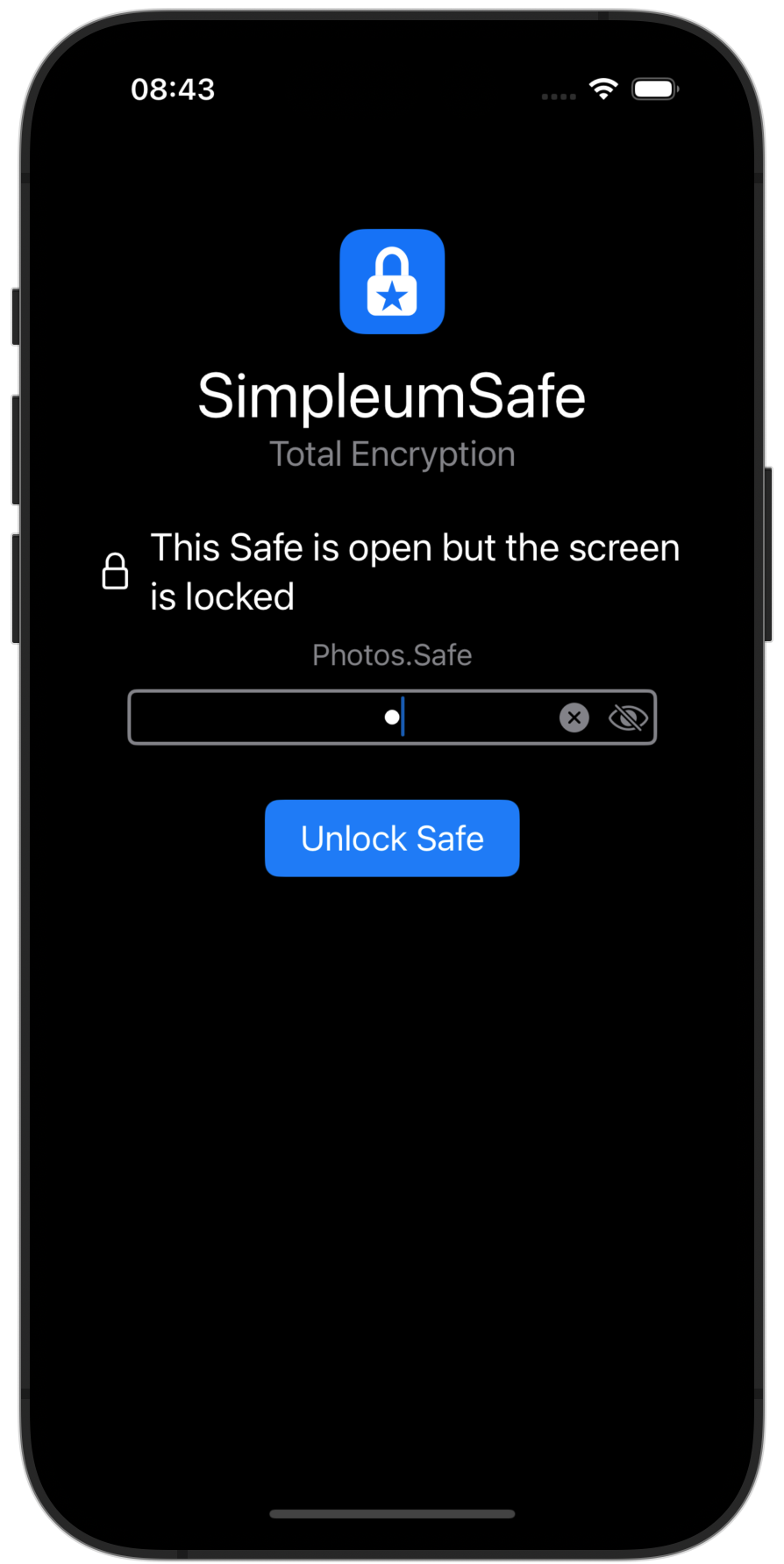
Locked safe
Download originalSecurity Center & Search
Additional images for coverage of security precautions and finding documents.
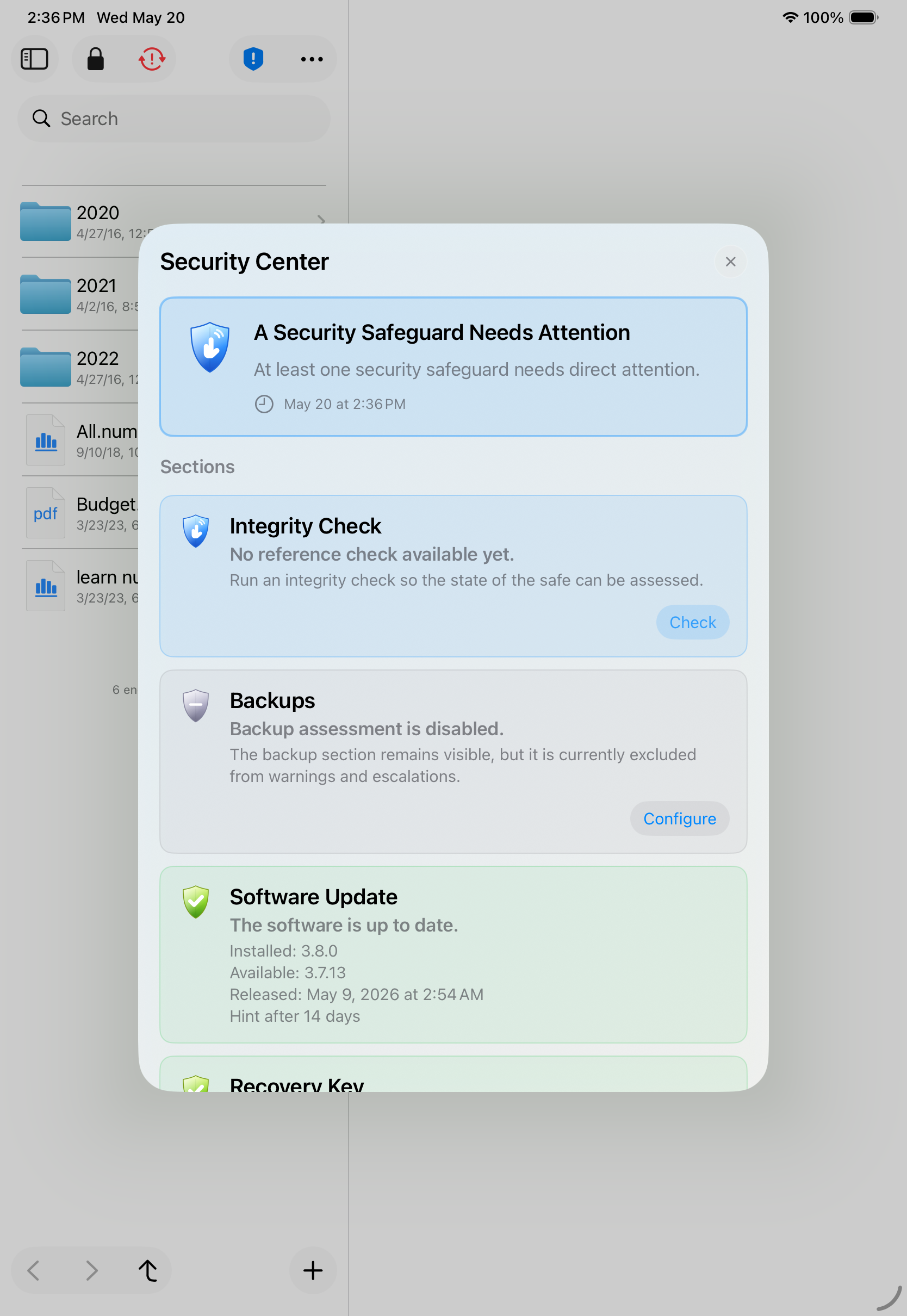
Security Center on iPad
Download original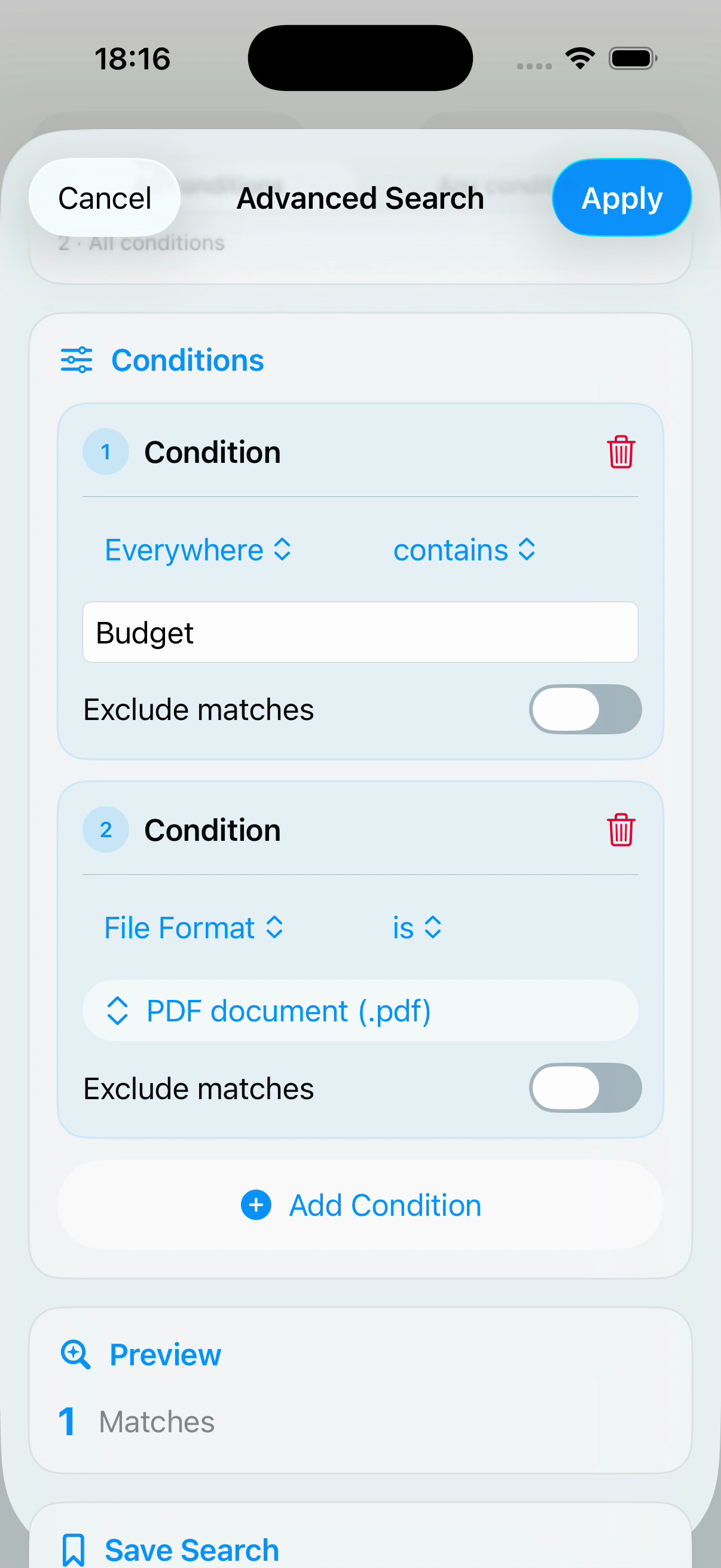
Advanced document search
Download originalTry SimpleumSafe
You can request a press license for your coverage.
- Download the app from the App Store (free).
- Copy your Subscriber ID:
Mac: Menu → SimpleumSafe → Settings → Subscription
iOS: Services → Subscription - Send the Subscriber ID to our press contact. We will then activate the app.
Press contact
Janine Thun · Simpleum Media GmbH