SimpleumSafe for freelance journalists
Encrypt research files.On your own Apple devices.
Store interview notes, documents supplied by sources, photographs and drafts in encrypted form, organise them by project and find them again reliably.

When research material should not remain in an ordinary documents folder
If you manage your own work devices and file storage, you handle many kinds of research material: interview notes, documents supplied by sources, photographs, recordings, drafts and background material. Particularly during long-running or sensitive investigations, these files should not remain unprotected among downloads, ordinary project folders and mobile devices.
SimpleumSafe provides a separate encrypted file archive on Mac, iPhone and iPad. Such an archive is one component of digital security. It does not replace a secure contact channel for sources, anonymisation, metadata handling, device protection or a security plan appropriate to the specific investigation.1
Everyday tasks
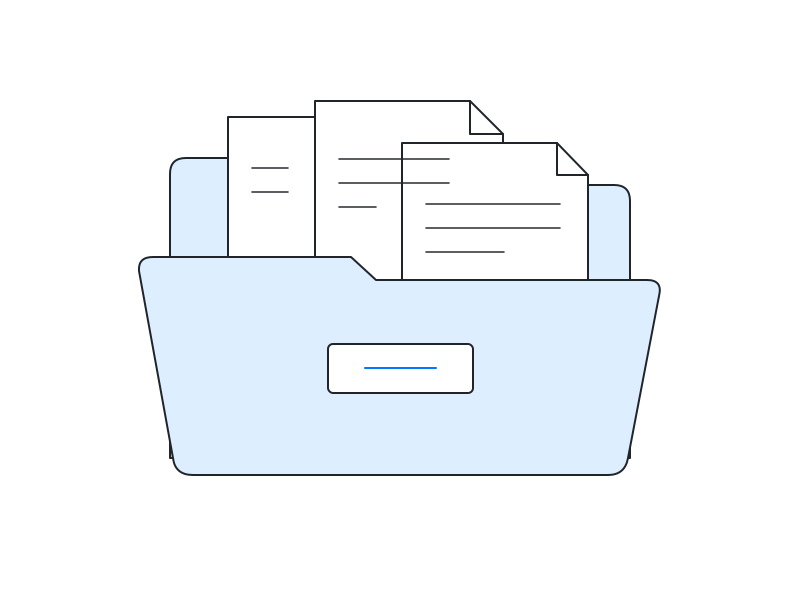
Separate your investigations
Keep documents, datasets, notes and drafts together in a dedicated Safe organised by topic or project.
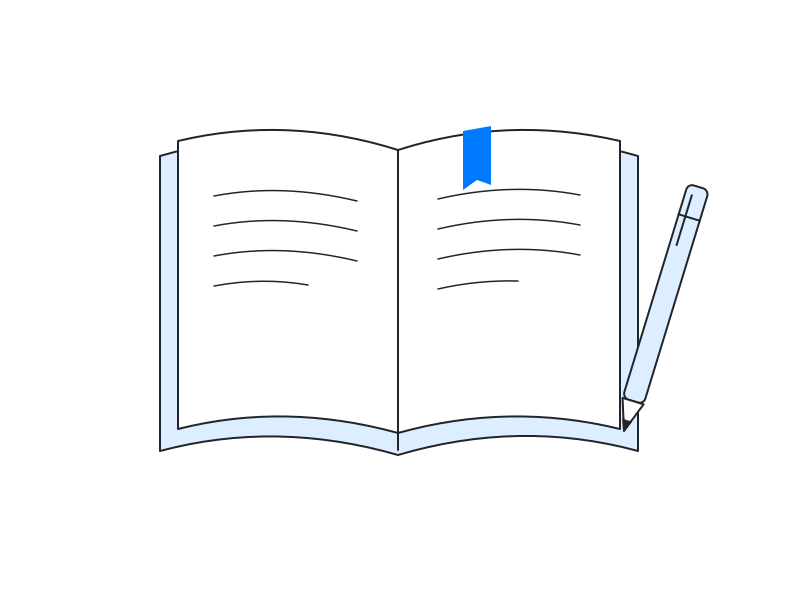
Organise interview material
Assign transcripts, audio files, consent records and supporting documents to the relevant investigation.
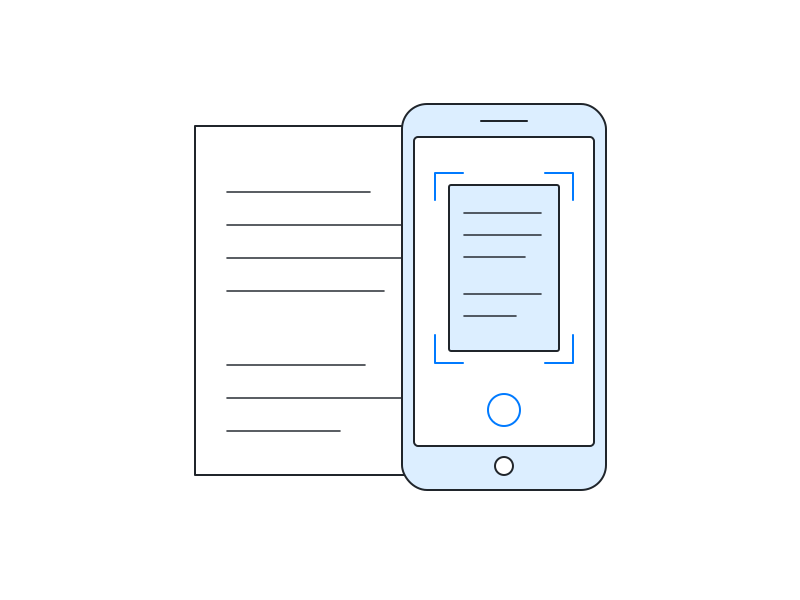
Capture documents on the move
Photograph paper documents directly from the iPhone app and store them in the Safe without first saving them to the photo library.
Material that may require particular protection
- Source-related materialInterview notes, supplied documents and stored correspondence that could reveal a source.
- Unpublished researchDatasets, analyses, working drafts, hypotheses and text that has not yet been published.
- Audio, photographs and videoRecordings, transcripts and original material containing personal or non-public information.
- Professional recordsContracts, fee records, accreditations and sensitive correspondence from freelance work.
Not every investigation presents the same risk. Specialist organisations therefore recommend adapting safeguards to the material, the people involved, potential adversaries and the consequences of disclosure.2
What SimpleumSafe does for your research files
SimpleumSafe stores selected files in a separate encrypted archive. You can organise documents, notes, photographs, audio and video files by investigation or publication project. The user file names stored in the Safe and their folder relationships are encrypted as well.7
When the Safe is closed and neither the device nor its credentials have been compromised, this can make access more difficult if a device or copied Safe file falls into someone else’s hands. Encrypted Safe data can optionally be synchronised between configured Apple devices. You can create multiple Safes, for example for different investigations or to separate professional and personal records.7
The file path still matters
By default, the original file remains in its previous location when it is imported. If you enable the option to delete the original after a successful import, SimpleumSafe removes that source file. Exporting, sharing or opening a file in another app can create a readable copy outside the Safe. You must account for such copies in your own workflow.7
What an encrypted file archive does not replace
SimpleumSafe is not a messenger or an anonymous transmission channel. An email or chat file stored in the Safe is protected as a saved copy; this does not change the earlier transmission, the other party or communication metadata.
Encryption does not prove the origin or authenticity of a document. An integrity check can help verify the Safe’s structure, the links between stored entries and their data files, and whether those files can be decrypted. It does not determine whether every file format can be opened and interpreted correctly, nor does it establish authorship, recording time or chain of custody.7
There is still residual risk on an already unlocked or compromised device. Germany’s Federal Office for Information Security expressly notes that encryption does not protect against malware.3
- Enable FileVault and a strong device passcode
- Keep the operating system and apps up to date
- Use a separate, strong Safe password
- Set up and test an independent backup
- Choose a suitable secure communication channel
- Seek specialist advice when the risk is elevated
Data protection and source protection are different layers
In Germany, freedom of the press also protects the relationship of trust with informants. For people professionally engaged in journalism, sections 53 and 97 of the German Code of Criminal Procedure contain rules on the right to refuse testimony and protection against seizure. These rights have conditions and limits; encryption software does not create or extend them.4
For the processing of personal data for journalistic purposes, Article 85 GDPR provides for a reconciliation of data protection with freedom of expression and information. This is not a blanket exemption. Article 32 lists encryption as a possible security measure within a risk-appropriate security framework.5 The provisions that apply in a particular case depend, among other things, on the activity, medium and organisational form.6
This overview provides general orientation and does not constitute legal advice.
Security in your workflow
Files and file names in a closed Safe
SimpleumSafe encrypts files stored in the Safe as well as their stored names and folder relationships. This protection depends on the password, key material and device not being compromised.
Device encryption remains the foundation
FileVault on Mac and a strong passcode on iPhone and iPad make access to stored data more difficult without valid credentials. SimpleumSafe complements this foundation with a separate archive boundary for selected files.
Synchronisation is not a backup
Optional synchronisation keeps configured devices up to date. It does not replace an independent, versioned backup from which an earlier state can be restored.
Capture photographs directly in the Safe
Photographs taken from the iOS app can be stored directly in the Safe without first appearing in the normal photo library. The surroundings, subject and any additional copies still remain part of your own security plan.
Sources and professional guidance
- DJV / Freien.info: Source protection – places file storage alongside communication, metadata handling and other safeguards.
- Freedom of the Press Foundation: Digital Security Risk Assessment – risk-based planning for journalistic work.
- BSI: Data encryption (German).
- Section 53 StPO, Section 97 StPO and the German Federal Constitutional Court's Cicero decision.
- GDPR, particularly Articles 32 and 85.
- Section 23 of Germany's Interstate Media Treaty – an example of German implementation for journalistic-editorial telemedia.
- SimpleumSafe Technical White Paper and How SimpleumSafe handles files – product architecture, file paths, synchronisation and protection boundaries.
Does an encrypted archive fit your workflow?
SimpleumSafe is particularly relevant if you organise your own research files on Mac, iPhone or iPad and want to protect selected files in a separate archive.
Explore what you can do with SimpleumSafe
Learn more about the features and how your files are protected on Mac, iPhone and iPad.