SimpleumSafe for lawyers
Protect client documents.At the office and on the go.
Store draft pleadings, meeting notes and confidential documents encrypted on Mac, iPhone and iPad — locally, with optional synchronisation across your own devices.

Protect confidential documents wherever you work
A draft settlement on your Mac, notes after a client meeting or documents for an upcoming hearing: files that need to remain confidential are also created outside your firm’s central document storage.
If you organise your own files on Apple devices, SimpleumSafe provides a separate encrypted space for these documents. You decide which files to keep there and how to organise them by client matter or topic.
Everyday tasks
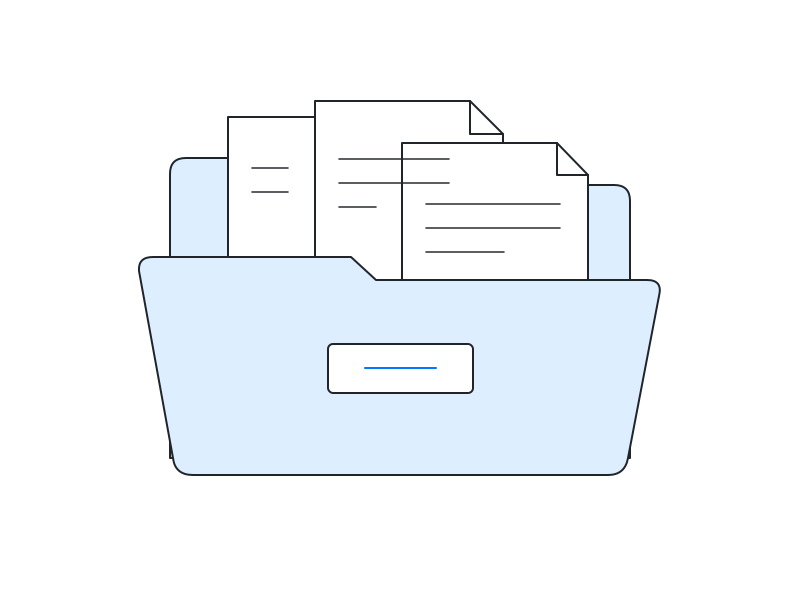
Keep client documents separate
Keep draft pleadings, contracts and confidential correspondence together in a Safe. The file names stored there are encrypted too.
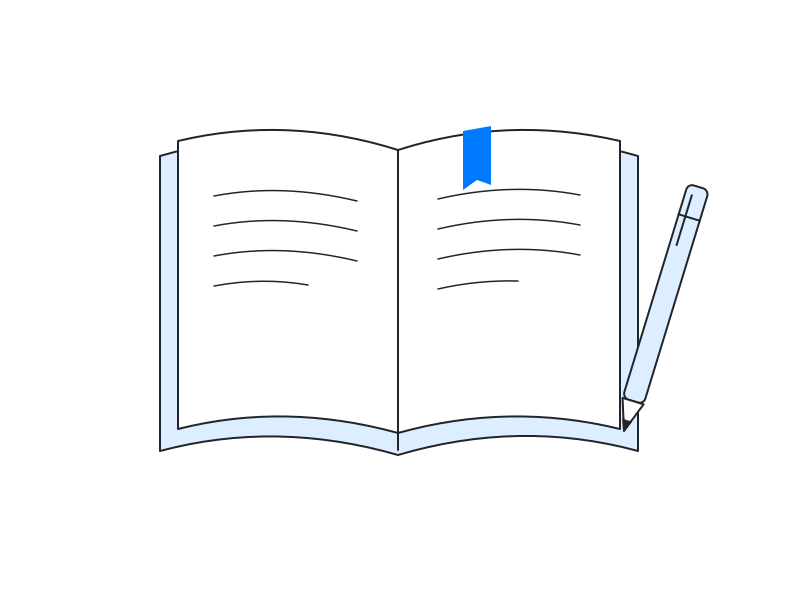
Be prepared for meetings
Keep meeting notes and selected documents available on your own iPhone or iPad. Optional synchronisation transfers changes between your devices.
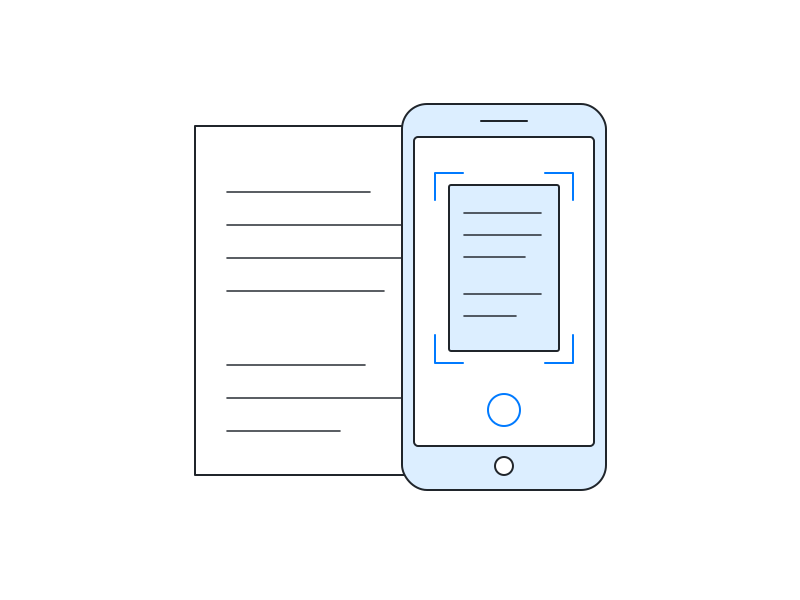
Capture paper documents directly in your Safe
Photograph documents using the camera in SimpleumSafe. The photos are saved directly in the Safe, without being stored in the general photo library.
A separate space for selected files
SimpleumSafe encrypts file contents and associated information, such as file names, using AES-256. A closed Safe therefore does not reveal clients or matters through its file list.1
You can create multiple Safes, for example for individual client matters or to separate professional and personal documents. The Finder-like interface on Mac makes it easier to store, organise and find your files.
No cloud is required for local use. If you use several Apple devices, you can optionally synchronise your Safes in encrypted form. Each configured device has its own local Safe. Allow the files you need to finish synchronising before an appointment.2
Within your firm’s organisation, SimpleumSafe serves as supplementary file storage. The authoritative client file, deadline management and communication through Germany’s beA legal mailbox remain in the systems intended for those purposes.
Keep access to your documents after device failure
Encryption protects the confidentiality of your files. To retrieve your documents after a fault or accidental deletion, you also need an independent backup.
- Create encrypted backupsBack up your Safes regularly to a separate storage device or with a suitable backup solution. Also check that the backup can be restored.
- Prepare emergency accessCreate a recovery password in advance and keep it safe, separate from the device. It allows you to reset a forgotten Safe password.
Synchronisation also propagates deletions and unwanted changes. It therefore does not replace a backup. A recovery password helps when you lose access, but does not restore deleted files.2, 3
Consider the entire file workflow
The Safe’s protection applies to the files stored inside it. In day-to-day legal work, the steps before and after storage matter too.4
Importing: account for existing copies
Importing brings a file into the Safe. Depending on the import method and settings, the original may remain in its previous location. Importing does not retroactively protect a copy in your Downloads folder, email inbox or other storage location.
Editing and sharing: understand the protection boundaries
A file must temporarily be readable for editing. On Mac, SimpleumSafe can provide a working copy in a protected temporary area. The editing application may create its own copies or cloud backups. Exporting or sharing creates a decrypted copy outside the Safe. Choose a storage and transfer method appropriate to the file's confidentiality.
Protect your device and access credentials
A strong Safe password, protected devices and up-to-date operating systems are part of your security measures. Encryption does not prevent malware or an unauthorised user on an unlocked device from capturing readable content. Also protect the recovery password and the configuration used to set up additional devices.
Professional confidentiality and data protection in Germany
In Germany, a lawyer’s duty of confidentiality generally covers everything learned in the course of professional practice, subject to statutory exceptions. It therefore extends beyond personal data. Section 43a(2) of the Federal Lawyers’ Act (BRAO) and section 203 of the Criminal Code (StGB) provide key legal foundations.5
Article 32 GDPR lists encryption as a possible measure within a risk-appropriate framework of technical and organisational safeguards. SimpleumSafe can support its implementation. The software alone does not make your firm’s organisation GDPR-compliant.6
For cloud services, contractual arrangements, processing and, where applicable, professional requirements for service providers must be assessed separately. Encryption does not automatically remove the need for a required data processing agreement.7
In a personal data breach, effective encryption may make communication to affected individuals unnecessary under the conditions of Article 34(3)(a) GDPR. Whether notification to the supervisory authority is required must be assessed separately; the incident still needs to be documented.6
Sources and product documentation
- SimpleumSafe: Encryption method – file contents, file information and keys.
- SimpleumSafe: Extreme secure synchronisation – local Safes, transfer methods and the distinction from backups.
- SimpleumSafe: Security – backups and a recovery password prepared in advance.
- How SimpleumSafe works and Features – importing, editing, exporting and taking photographs in the app.
- Section 43a BRAO and section 203 StGB (German) – professional confidentiality and protection of others' secrets.
- GDPR, particularly Articles 32, 33 and 34.
- Section 43e BRAO (German) and EDPB Guidelines 07/2020, “Hosting services” example, p. 16 – service providers and storage of encrypted data on behalf of a controller.
Your confidential documents. Your protected storage.
Do you work with Mac, iPhone or iPad and want to store selected client documents yourself in encrypted form? Explore SimpleumSafe’s features or compare the purchase options for your devices.
What you can do with SimpleumSafe
Learn more about the features and protection for your files on Mac, iPhone and iPad.